
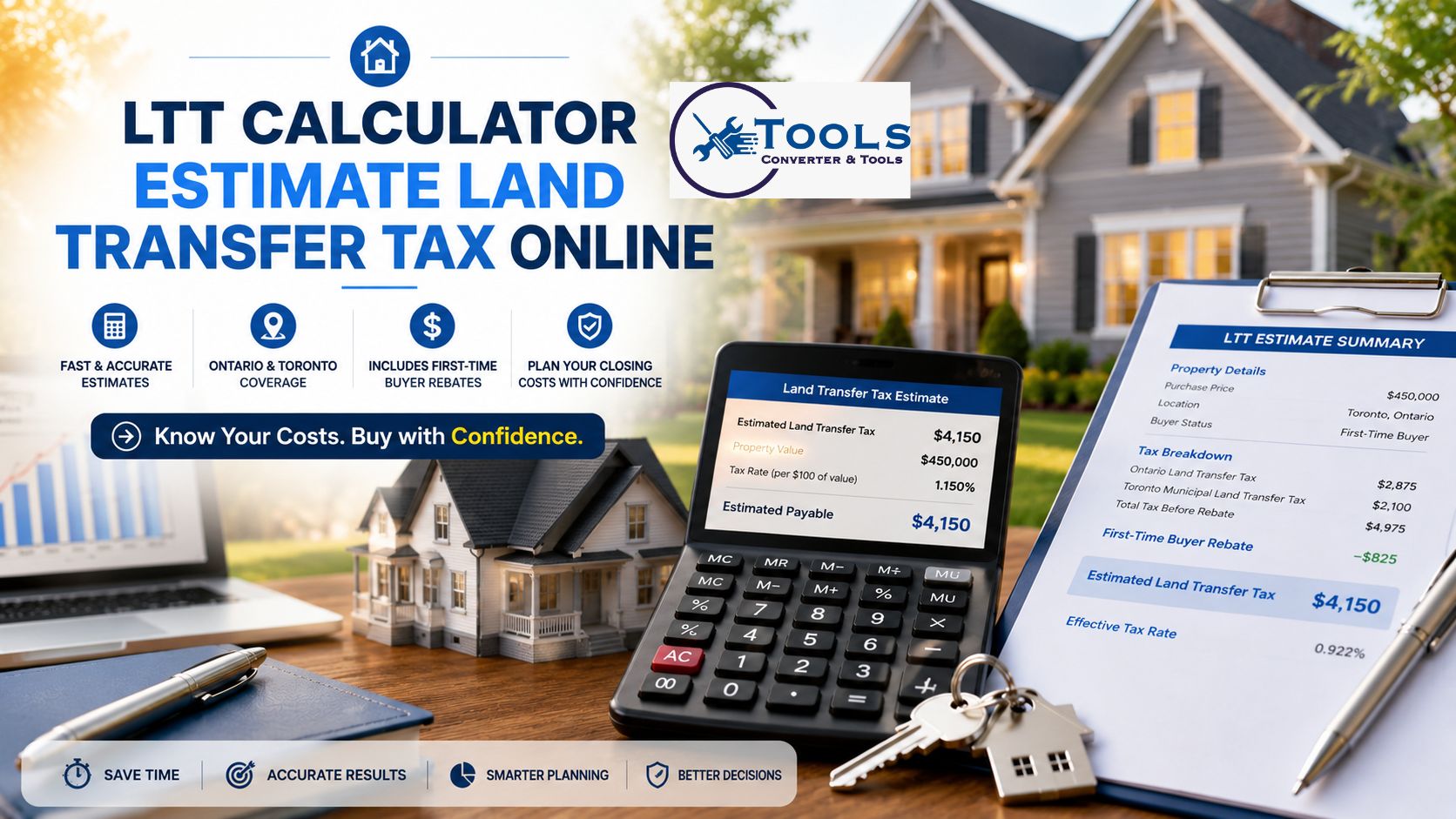
Land Transfer Tax Calculator
Estimate Ontario and Toronto land transfer tax when purchasing a residential property.
$0
$0
$0
$0
0%
Calculation summary
About this estimate
Toronto properties are generally subject to both Ontario Land Transfer Tax and Toronto Municipal Land Transfer Tax. Eligible first-time buyers may receive rebates that reduce the amount payable.
This calculator provides an estimate for residential purchases and is not legal, tax, or financial advice. Rates and eligibility rules can change. Confirm your closing costs with a qualified real estate lawyer.
LTT Calculator – Estimate Land Transfer Tax Online
Introduction to the LTT Calculator
Buying a home involves more than just paying the purchase price. Buyers must also prepare for closing costs, one of the most important being land transfer tax. An LTT calculator helps estimate how much tax may be payable when purchasing a residential property.
This tool is designed to provide quick and accurate estimates based on the property’s purchase price, location, and buyer status. Whether you are a first-time homebuyer or an experienced property investor, using an LTT calculator can help you plan your budget more effectively.
By entering a few details, users can instantly view an estimated tax amount, helping them understand the financial impact of a property purchase before closing.
What Is Land Transfer Tax?
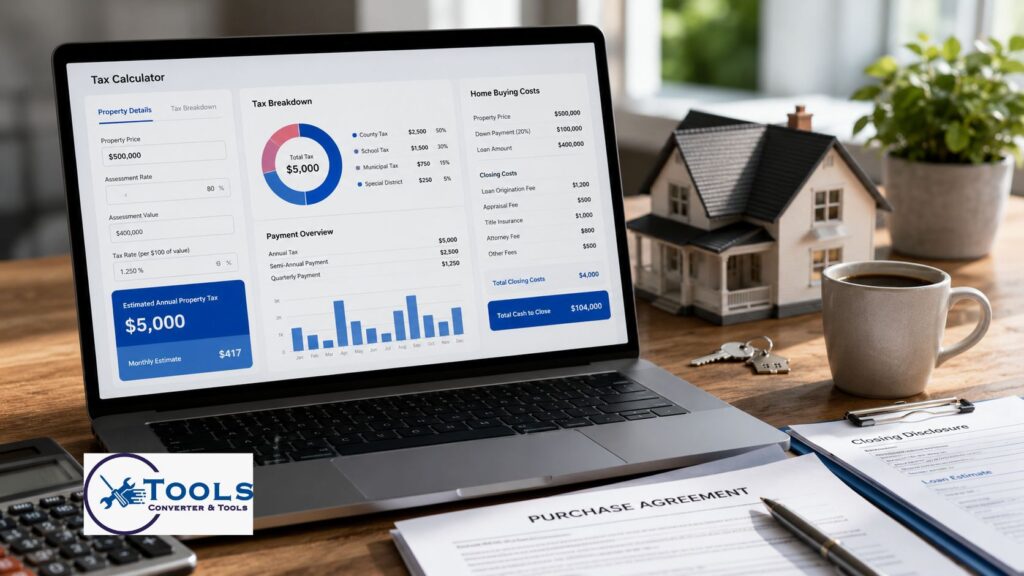
Land Transfer Tax (LTT) is a tax charged when ownership of a property is transferred from one person to another. In many cases, buyers must pay this tax when purchasing residential real estate.
The amount payable depends on factors such as:
- Property purchase price
- Property location
- Local tax rates
- Eligibility for rebates
- Buyer status
For some locations, buyers may also be required to pay additional municipal land transfer taxes on top of provincial taxes.
Understanding these costs before purchasing a property can prevent unexpected expenses later.
How the LTT Calculator Works
An LTT calculator simplifies a complex tax calculation process. Instead of manually calculating taxes using multiple tax brackets, the tool automatically performs the calculations.
The calculator generally uses three main inputs:
Property Purchase Price
The purchase price is the most important factor in determining land transfer tax.
Higher-priced properties usually result in higher tax amounts because different tax rates apply to different portions of the property’s value.
Property Location
Some municipalities apply additional land transfer taxes.
For example, properties located within specific cities may be subject to both provincial and municipal tax calculations.
Buyer Status
First-time homebuyers may qualify for rebates that reduce the total tax payable.
Selecting the correct buyer status helps generate a more accurate estimate.
After entering these details, the calculator instantly displays the estimated land transfer tax amount.
How to Use the LTT Calculator
Using the tool is simple and only takes a few seconds.
Step 1: Enter the Purchase Price
Input the property’s agreed purchase price into the calculator.
Make sure the amount is entered correctly to receive an accurate estimate.
Step 2: Select the Property Location
Choose the applicable location from the available options.
The calculator uses this information to determine which tax rates apply.
Step 3: Choose Buyer Status
Select whether you are a regular buyer or an eligible first-time homebuyer.
This allows the calculator to include any available rebates.
Step 4: Calculate the Tax
Click the calculate button.
The tool instantly processes the information and estimates the land transfer tax.
Step 5: Review the Results
The calculator displays:
- Estimated total tax
- Tax breakdown
- Rebate amount
- Effective tax rate
- Final estimated payable amount
These results can help buyers plan their closing costs more accurately.
LTT Calculation Formula
Land transfer tax is usually calculated using a progressive tax system.
This means different tax rates apply to different portions of the property’s value.
Basic Formula
Land Transfer Tax = Sum of taxes charged within each tax bracket
Instead of applying one rate to the entire property value, each portion of the purchase price is taxed separately according to the applicable bracket.
Example Structure
A property value may be divided into multiple ranges:
- First portion taxed at Rate A
- Second portion taxed at Rate B
- Third portion taxed at Rate C
- Remaining portion taxed at Rate D
The total tax is the combined amount from all brackets.
Rebate Formula
For eligible buyers:
Final Tax Payable = Total Tax − Eligible Rebate
The calculator automatically applies available rebates when applicable.
Understanding Tax Brackets
Tax brackets are used to determine how much land transfer tax is owed.
A progressive system means that higher-value properties may enter additional tax brackets.
For example:
| Property Value Range | Tax Rate |
|---|---|
| Lower Range | Lower Rate |
| Mid Range | Medium Rate |
| Higher Range | Higher Rate |
| Premium Range | Highest Rate |
The exact rates vary depending on location and current regulations.
The calculator automatically applies the correct rates without requiring manual calculations.
LTT Calculation Examples
Examples help illustrate how the calculator works.
Example 1: Property Worth $500,000
Purchase Price: $500,000
The calculator applies the relevant tax brackets and produces an estimated land transfer tax amount.
This gives buyers a clear idea of expected closing costs before purchasing.
Example 2: Property Worth $750,000
Purchase Price: $750,000
Since the property value is higher, more of the purchase price falls into higher tax brackets.
The estimated tax will be larger than the previous example.
Example 3: Property Worth $1,000,000
Purchase Price: $1,000,000
A larger portion of the property’s value is taxed at higher rates.
The calculator automatically computes the combined total from all applicable brackets.
Example 4: First-Time Buyer
Purchase Price: $750,000
Buyer Status: First-Time Buyer
The calculator first determines the tax amount and then subtracts any eligible rebate.
This provides a reduced final payable amount.
First-Time Buyer Rebates
Many jurisdictions offer rebates to eligible first-time homebuyers.
These rebates can significantly reduce the amount of land transfer tax owed.
Benefits of Rebates
Rebates help lower upfront purchasing costs.
For many buyers, this can result in substantial savings during the home-buying process.
Eligibility Factors
Requirements may include:
- First property purchase
- Residency requirements
- Age requirements
- Occupancy conditions
Rules vary by location.
How the Calculator Helps
The LTT calculator automatically factors in available rebates when the correct buyer status is selected.
This eliminates the need for manual calculations.
Why Use an Online LTT Calculator?
There are several advantages to using an online calculator instead of calculating taxes manually.
Saves Time
Manual tax calculations can be complicated.
The calculator delivers results instantly.
Improves Accuracy
Tax brackets and rebates can be confusing.
Automated calculations reduce the risk of mistakes.
Helps With Budget Planning
Knowing potential tax costs helps buyers prepare for closing expenses.
This allows for more accurate financial planning.
Easy to Use
Most users can calculate their estimated land transfer tax in less than a minute.
No advanced financial knowledge is required.
Factors That Affect Land Transfer Tax
Several factors influence the final amount payable.
Property Price
Higher property values generally result in higher taxes.
Property Location
Different locations may have different tax structures.
Buyer Eligibility
First-time buyer rebates can reduce costs significantly.
Tax Rule Changes
Governments occasionally update tax rates and eligibility requirements.
Using an updated calculator helps provide current estimates.
Common Closing Costs Besides LTT
Land transfer tax is only one of several closing costs buyers may encounter.
Legal Fees
Most property transactions require legal services.
Title Insurance
Many buyers purchase title insurance for additional protection.
Home Inspection Fees
Inspections help identify potential issues before purchase.
Mortgage Costs
Some lenders charge setup or administrative fees.
Registration Fees
Property registration fees may also apply.
Planning for these expenses alongside land transfer tax provides a more complete picture of total closing costs.
Tips for Home Buyers
Estimate Costs Early
Use an LTT calculator before making an offer on a property.
Check Rebate Eligibility
Determine whether you qualify for first-time buyer incentives.
Keep Extra Funds Available
Unexpected expenses can occur during closing.
Review Local Requirements
Different locations may have different tax obligations.
Use Updated Information
Current tax rates produce the most accurate estimates.
Free Clarks Size Calculator and Conversion Chart
Frequently Asked Questions
What does an LTT calculator do?
An LTT calculator estimates the land transfer tax payable when purchasing a property based on factors such as purchase price, location, and buyer status.
Is the calculator accurate?
The calculator provides a reliable estimate using available tax rates and rebate information. Actual amounts may vary depending on specific circumstances.
Can first-time buyers receive a tax reduction?
Yes. Eligible first-time homebuyers may qualify for rebates that reduce the final tax payable.
Does the calculator include all closing costs?
No. It focuses on land transfer tax estimates. Other closing costs such as legal fees and inspections are usually separate.
Why is location important?
Different locations may apply different tax rates or municipal taxes, which can affect the final amount payable.
Final Thoughts
An LTT calculator is a valuable tool for anyone planning to purchase residential property. It provides fast estimates, simplifies complex tax calculations, and helps buyers understand potential closing costs before completing a transaction.
By entering a property’s purchase price, location, and buyer status, users can quickly estimate land transfer tax and make more informed financial decisions. Whether you are a first-time buyer or a seasoned property owner, using an LTT calculator can help you budget confidently and avoid surprises during the closing process.
