Free Copyright Checker Tool
Educational estimate only. This tool is not legally authoritative and does not replace professional legal advice.
Risk Estimate Score
Estimated Copyright Status
Copyright Term Estimate
License Detection
Fair Use Strength
Permission Recommendation
Next Steps
Important Note
This is an educational estimate only. Copyright rules depend on country, publication history, renewal, license terms, authorship, and actual usage.
Introduction
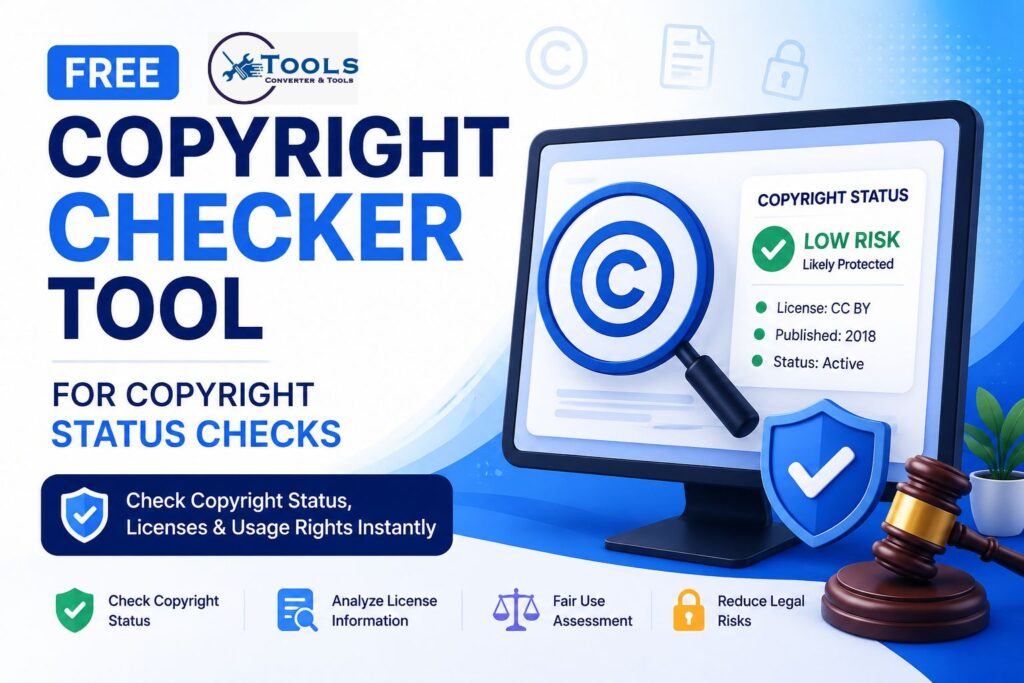
A copyright checker is a useful tool that helps users estimate the copyright status of various types of content. Whether you are working with images, articles, videos, music, software, or other creative works, understanding copyright status is important before using or sharing that content.
Many people assume that content found online is free to use. However, copyright laws often protect creative works for many years. Using copyrighted material without permission can lead to legal issues, content removal, or financial penalties.
A copyright checker provides a quick way to review important information such as publication dates, creator details, license information, public domain status, and potential usage risks. While it cannot replace professional legal advice, it can help users make more informed decisions.
Free Copyright Checker Tool
The copyright checker tool is designed to simplify copyright research. Instead of manually reviewing copyright laws and license documents, users can enter key details and receive an estimated copyright assessment.
The tool supports various content types, including:
- Books and articles
- Images and artwork
- Music and audio files
- Videos and films
- Software and source code
- Other creative works
By analyzing the provided information, the tool generates an estimated copyright status and risk assessment.
How to Use the Copyright Checker
Using a copyright checker is simple and requires only a few steps.
Step 1: Enter the Work Title
Start by entering the title or description of the work you want to evaluate.
Examples include:
- Old novel
- Stock photograph
- Music track
- Software application
- Blog article
Step 2: Choose the Content Type
Select the category that best matches the content.
Examples include:
- Written content
- Images
- Music
- Video
- Software
This helps the tool apply the most relevant copyright rules.
Step 3: Add Publication Information
Enter the publication year whenever possible.
Publication dates often play an important role in determining whether a work is still protected by copyright.
Step 4: Provide Creator Details
If known, enter the creator’s death year or choose the creator type.
Options may include:
- Individual creator
- Corporate creator
- Anonymous creator
This information helps estimate copyright duration.
Step 5: Review License Information
If the work includes licensing information, enter those details.
Examples:
- Creative Commons
- CC0
- Public Domain
- All Rights Reserved
- Open Source License
Step 6: Check the Results
Click the check button to generate a copyright assessment.
The tool will display:
- Risk estimate score
- Copyright status
- Copyright term estimate
- Fair use assessment
- Permission recommendations
How the Copyright Checker Works
A copyright checker uses several factors to estimate copyright status.
Copyright Duration Analysis
Most countries protect copyrighted works for a specific period.
The tool evaluates:
- Publication year
- Creator death year
- Creator type
- Country-specific rules
These factors help determine whether a work may still be protected.
Public Domain Evaluation
Works eventually enter the public domain after copyright protection expires.
When a work becomes public domain, it can generally be used without permission.
The tool estimates whether a work may qualify for public domain status based on available information.
License Detection
Licenses can grant permissions even when copyright protection still exists.
The copyright checker reviews licensing information to identify common permissions and restrictions.
Fair Use Assessment
Fair use may allow limited use of copyrighted material in certain situations.
The tool considers factors such as:
- Educational use
- Commentary
- Criticism
- Research purposes
- Transformative use
Risk Evaluation
The tool combines available information to provide a risk estimate.
This estimate helps users understand whether additional verification or permission may be necessary.
Copyright Status Formula and Logic
Unlike mathematical converters, a copyright checker does not use a single conversion formula.
Instead, it evaluates multiple copyright factors.
Life Plus 70 Years Rule
Many countries use a life-plus-70 rule.
Formula:
Copyright Expiration Year = Creator Death Year + 70 Years
Example:
- Creator died in 1950
- Estimated expiration year = 2020
The work may qualify for public domain status depending on local laws.
Corporate Copyright Estimate
Corporate works often use publication-based calculations.
Formula:
Estimated End Date = Publication Year + 95 Years
Example:
- Published in 1940
- Estimated protection until 2035
Public Domain Estimation
Some older works automatically qualify for public domain status under certain legal systems.
Publication dates are often important in these determinations.
Copyright Status Examples
Examples help users understand how the copyright checker works.
Example 1: Old Book
Information:
- Publication year: 1920
- Country: United States
Result:
The copyright checker may indicate a strong possibility that the work is in the public domain.
Example 2: Creative Commons Image
Information:
- License: CC BY
Result:
The work may be usable if attribution requirements are followed.
Example 3: Modern Music Track
Information:
- Published in 2022
- Commercial release
Result:
The tool will likely classify the work as protected and recommend permission before use.
Example 4: Open Source Software
Information:
- MIT License
Result:
The copyright checker may identify permitted usage under the license terms.
Understanding Copyright Results
The tool usually presents results using risk categories.
Low Risk
Low-risk results often indicate:
- Public domain works
- CC0 content
- Clearly licensed material
Users should still verify information before publication.
Medium Risk
Medium-risk results suggest uncertainty.
Additional research may be needed to confirm ownership and permissions.
High Risk
High-risk results generally indicate active copyright protection.
Permission is often recommended before use.
Permission Required
Some works require direct authorization from the rights holder.
Examples include:
- Commercial music
- Movies
- Professional photography
- Recently published books
Public Domain vs Copyright Protection
Understanding the difference is important.
What Is Public Domain?
Public domain works are not protected by copyright.
These works may generally be used, copied, and shared freely.
Protected Works
Protected works remain under copyright ownership.
Permission may be required before using them.
Common Misunderstandings
Many people incorrectly believe:
- Old content is always public domain
- Giving credit removes copyright restrictions
- Content found online is free to use
These assumptions are often incorrect.
Copyright Licenses Explained
Licenses define how a work may be used.
Creative Commons
Creative Commons licenses offer varying levels of permission.
Some require attribution, while others limit commercial use.
CC0
CC0 places content as close as possible to the public domain.
This is one of the most flexible licensing options.
All Rights Reserved
This license reserves all usage rights for the copyright owner.
Permission is usually required.
Open Source Licenses
Software licenses such as MIT, Apache, and GPL provide specific usage rights and obligations.
Fair Use and Educational Use
Fair use is a legal concept that may allow limited use of copyrighted content.
Educational Purposes
Educational use may strengthen fair use arguments in some situations.
Commentary and Criticism
Reviews and commentary often qualify for stronger fair use consideration.
Research Applications
Academic and research uses may also receive additional legal consideration.
Commercial Uses
Commercial use generally increases copyright risk and may reduce fair use protection.
Benefits of Using This Copyright Checker
The copyright checker offers several advantages.
Quick Assessments
Users receive results within seconds.
Easy Research
The tool simplifies complex copyright considerations.
Better Compliance
Understanding copyright status helps reduce legal risks.
User-Friendly Design
The tool is simple enough for beginners while remaining useful for experienced users.
Common Copyright Mistakes to Avoid
Assuming Online Content Is Free
Availability does not equal permission.
Ignoring License Terms
Always review license requirements carefully.
Commercial Misuse
Commercial projects often require additional permissions.
Missing Attribution Rules
Some licenses require proper credit.
Failing to provide attribution can violate license terms.
Free Roblox Username Availability Checker
Frequently Asked Questions
Is this copyright checker legally accurate?
The tool provides an educational estimate and should not be considered legal advice.
Can the tool determine public domain status?
It can provide an estimate based on available information, but final verification is recommended.
Does the copyright checker work for images and videos?
Yes. The tool can be used for images, videos, music, written works, software, and other creative content.
Can I rely on fair use results?
Fair use depends on specific circumstances. The tool provides guidance but cannot guarantee legal outcomes.
Is the copyright checker free?
Yes. Most copyright checker tools are designed to provide quick and accessible copyright status estimates.
Conclusion
A copyright checker is a practical tool for evaluating copyright status, license information, public domain eligibility, and potential usage risks. By entering details such as publication dates, creator information, and licensing data, users can gain a clearer understanding of whether content may require permission before use.
While no automated tool can replace professional legal advice, a copyright checker can save time, improve copyright awareness, and help users make more informed decisions when working with creative content.
