
Advanced Word Counter
Analyze words, keyword density, readability, basic SEO, content quality, and export reports.
0 Words
0 / 100
0 / 100
0 / 100
0 Characters
0 Characters Without Spaces
0 Sentences
0 Paragraphs
0.0 Min Reading Time
0.0 Min Speaking Time
0 Average Word Length
Longest Word: None
0 Unique Words
0 Repeated Words
Focus Keyword: Not Set
Keyword Used 0 Times
Keyword Density Checker
No keywords found
Add a focus keyword to check density.
Basic SEO Suggestions
Add text and a focus keyword to get SEO suggestions.
Readability Details
Add text to check readability.
Introduction to the Word Counter Tool
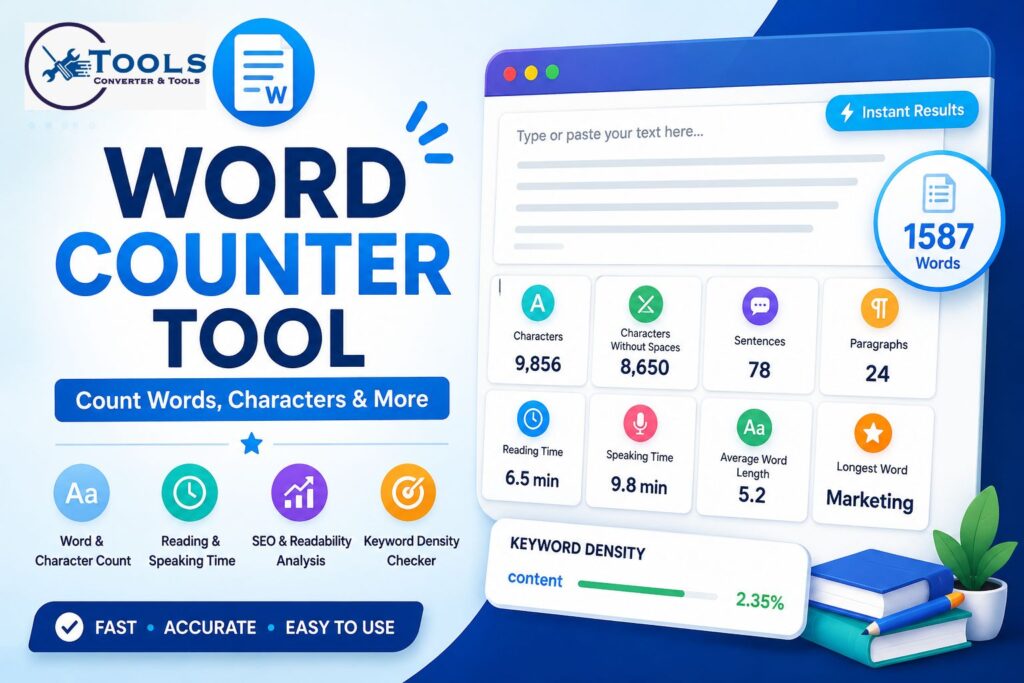
A Word Counter is a simple yet powerful tool that helps users analyze text quickly and accurately. Whether you are writing an article, essay, report, social media post, or marketing content, knowing the exact number of words and characters is often essential.
Many writers, students, bloggers, and professionals rely on a Word Counter to meet content requirements, maintain readability, and improve writing quality. Instead of manually counting words and characters, users can instantly receive detailed statistics with just a few clicks.
Modern Word Counter tools do much more than basic counting. They can calculate reading time, speaking time, keyword density, readability scores, and other useful content metrics that help improve the overall quality of text.
How to Use the Word Counter Tool
Using a Word Counter is straightforward and requires only a few simple steps.
Enter or Paste Your Text
Start by typing or pasting your content into the provided text box. The tool supports short paragraphs, long articles, essays, reports, and other text formats.
Analyze the Content
Once your text is entered, click the analyze button. The Word Counter immediately processes the content and calculates multiple statistics.
Review the Results
The tool displays detailed information including:
- Total word count
- Character count
- Characters without spaces
- Sentence count
- Paragraph count
- Reading time
- Speaking time
- Keyword density
- Readability score
- Content quality score
These insights help users better understand and optimize their content.
Features of This Word Counter Tool
A modern Word Counter provides more than simple word counting. Below are some of its most useful features.
Word Count
This feature calculates the total number of words present in the text. It is especially useful for articles, assignments, reports, and blog posts that require specific word limits.
Character Count
Character count measures every letter, number, punctuation mark, and space in the text.
This metric is often important for social media posts, advertisements, and content platforms with character restrictions.
Characters Without Spaces
This calculation excludes all spaces and focuses only on actual characters.
Many professional writing and publishing platforms use this measurement when evaluating content length.
Sentence Counter
The sentence counter identifies the total number of sentences within the text.
This helps writers understand sentence structure and content complexity.
Paragraph Counter
The paragraph counter measures how many separate paragraphs exist in the content.
Proper paragraph structure improves readability and user experience.
Reading Time Calculator
Reading time estimates how long it takes an average reader to finish the content.
This feature is useful for bloggers and content creators who want to understand user engagement.
Speaking Time Calculator
Speaking time estimates how long it would take to read the text aloud.
This is particularly useful for speeches, presentations, podcasts, and video scripts.
Average Word Length
The tool calculates the average number of characters per word.
This metric provides insights into vocabulary complexity and writing style.
Longest Word Detection
The Word Counter identifies the longest word used within the text.
This can help users discover overly complex words and improve readability.
Unique Words and Repeated Words
Unique word analysis measures vocabulary variety.
Repeated word analysis identifies frequently used terms and can help reduce unnecessary repetition.
Keyword Density Checker
Keyword density measures how often specific words appear within the content.
This is useful for content creators who want to maintain balanced keyword usage.
Focus Keyword Analysis
Users can enter a target keyword and see:
- Number of occurrences
- Keyword density percentage
- Optimization suggestions
This feature helps improve content structure and keyword placement.
Readability Score
Readability scoring evaluates how easy the content is to read and understand.
Clear and readable content generally performs better for readers and search engines.
Basic SEO Score
The SEO score provides a simple overview of content optimization.
It considers factors such as:
- Content length
- Keyword usage
- Keyword density
- Paragraph structure
Content Quality Score
The content quality score evaluates overall writing quality based on several text characteristics.
It provides useful insights into vocabulary diversity and sentence structure.
Case Converter
The built-in case converter allows users to quickly transform text into different formats.
Options may include:
- UPPERCASE
- lowercase
- Title Case
- Sentence Case
- Capitalized Case
Export Options
After analysis, users can save results using export features such as:
- Copy Results
- Download TXT Report
- Download PDF Report
These options make it easy to store and share content analysis.
How Word Count Is Calculated
Many users wonder how a Word Counter determines the number of words and characters.
Word Count Formula
The tool identifies words by analyzing spaces, punctuation, and language patterns.
A simplified formula is:
Word Count = Total Recognized Words
Each valid word separated by spaces or punctuation is counted.
Character Count Formula
Character count includes every visible character and space.
Character Count = Total Letters + Numbers + Symbols + Spaces
Character Count Without Spaces Formula
This version removes spaces from the calculation.
Characters Without Spaces = Total Characters − Total Spaces
Reading Time Formula
Reading time is estimated using average reading speed.
Reading Time = Total Words ÷ Average Reading Speed
Most tools assume approximately 200 words per minute.
Speaking Time Formula
Speaking time uses average speaking speed.
Speaking Time = Total Words ÷ Average Speaking Speed
Most calculations use approximately 130 words per minute.
Examples of Word Count Analysis
Practical examples help users understand how the tool works.
Example 1 – Blog Article
A blog article contains:
- 1,500 words
- 8,400 characters
- 70 sentences
- 18 paragraphs
The Word Counter provides all statistics instantly and estimates reading time.
Example 2 – Student Essay
A student essay may require a minimum of 1,000 words.
Using a Word Counter helps ensure the assignment meets the required length before submission.
Example 3 – Social Media Post
A social media manager writes a promotional post.
The character count feature helps ensure the content stays within platform limitations.
Example 4 – Business Report
A business report contains thousands of words.
The readability score helps ensure the report remains easy to understand for readers.
Benefits of Using a Word Counter Tool
The Word Counter offers practical advantages for many types of users.
For Students
Students can:
- Meet assignment requirements
- Track essay length
- Improve readability
For Writers
Writers can:
- Monitor article length
- Improve writing flow
- Reduce repetition
For Bloggers
Bloggers can:
- Analyze content structure
- Review keyword usage
- Improve content quality
For Content Marketers
Content marketers benefit from:
- Keyword analysis
- Readability monitoring
- Content optimization
For Professionals
Professionals can:
- Create concise reports
- Review presentations
- Analyze business documents
Word Counter vs Character Counter
Although both tools analyze text, they serve different purposes.
What a Word Counter Measures
A Word Counter focuses on:
- Total words
- Reading time
- Content length
- Text structure
What a Character Counter Measures
A Character Counter focuses on:
- Character limits
- Social media restrictions
- Short-form content requirements
When to Use Each Tool
Use a Word Counter when creating articles, reports, essays, and long-form content.
Use a Character Counter when working with advertisements, forms, or social media posts.
Tips for Better Content Writing
A Word Counter becomes even more useful when combined with strong writing practices.
Use Clear Sentences
Short and direct sentences improve readability.
Avoid Keyword Stuffing
Use keywords naturally throughout the content.
Improve Readability
Break long sections into smaller paragraphs.
Organize Content Properly
Use headings and subheadings to structure information clearly.
Monitor Content Length
Keep track of word count requirements and goals.
Why Choose This Word Counter Tool
There are many text analysis tools available, but a well-designed Word Counter provides everything users need in one place.
Fast Results
Instant calculations save time and effort.
Easy to Use
The interface is simple and beginner-friendly.
Multiple Metrics
Users receive comprehensive text analysis from a single tool.
Useful for Many Purposes
The tool supports students, writers, bloggers, marketers, and professionals.
Free Online Access
Users can analyze content without complicated setup or registration.
Free Copyright Checker Tool for Copyright Status Checks
Frequently Asked Questions
What does a Word Counter do?
A Word Counter calculates the number of words, characters, sentences, and other text statistics.
Is the Word Counter accurate?
Yes. Modern Word Counter tools provide highly accurate results using automated text analysis.
Can I check keyword density?
Yes. The tool includes keyword density analysis and focus keyword tracking.
How is reading time calculated?
Reading time is estimated using average reading speed, usually around 200 words per minute.
Can I download my results?
Yes. Most advanced Word Counter tools allow users to export reports as TXT or PDF files.
Conclusion
A Word Counter is an essential tool for anyone who works with text regularly. It helps users quickly count words, analyze characters, estimate reading time, evaluate readability, and monitor keyword usage.
Whether you are writing an essay, blog post, report, marketing content, or social media update, a Word Counter provides valuable insights that improve accuracy and efficiency. By using the tool regularly, users can create better-structured, more readable, and more effective content while saving significant time.
