
Password Generator
Create strong, secure, and custom passwords instantly.
Your password will appear here
Strength
Waiting for input
Length
0 characters
Entropy
0 bits
Crack Time
Not available
Password Type
Strong Password
Status
Ready
Generated Passwords
Recent History
Introduction
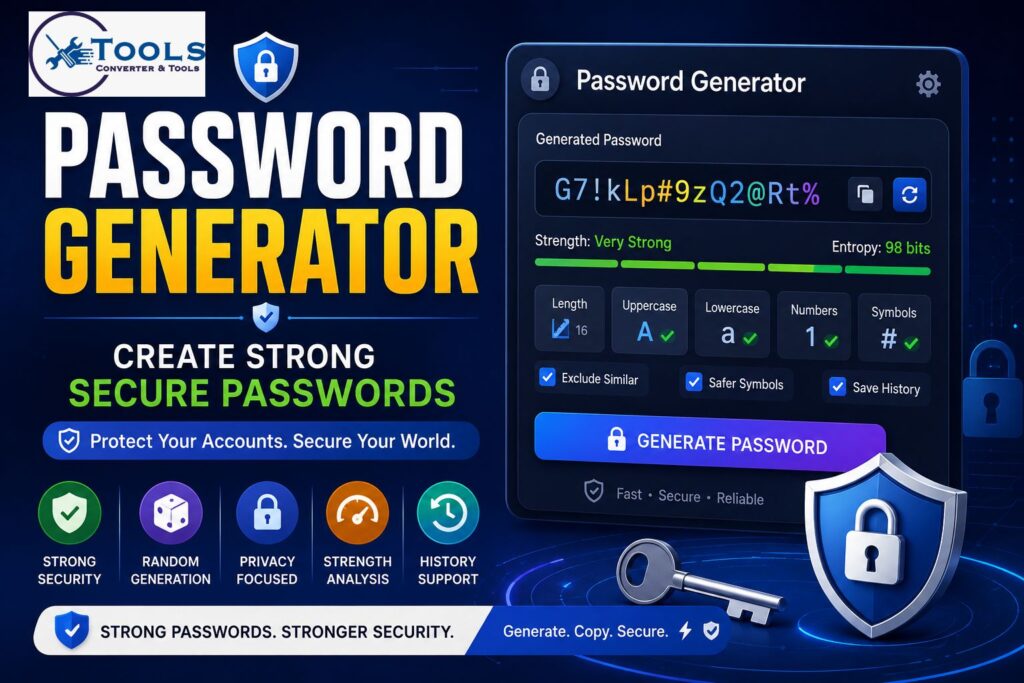
A Password Generator is an essential security tool that helps users create strong, random, and secure passwords for online accounts. As cyber threats continue to evolve, weak passwords remain one of the most common causes of security breaches. Creating unique and complex passwords manually can be difficult, which is why many users rely on password generation tools.
A Password Generator automatically creates passwords using combinations of letters, numbers, and symbols. This reduces the risk of predictable passwords and helps protect personal and business accounts from unauthorized access.
Whether you need a password for email accounts, social media platforms, banking services, business systems, or websites, a Password Generator provides a fast and reliable solution.
What Is a Password Generator?
A Password Generator is a tool designed to create random passwords based on selected rules and security requirements.
Instead of using common words or personal information, the tool generates unpredictable character combinations that are much harder to guess.
Most modern Password Generator tools allow users to customize:
- Password length
- Uppercase letters
- Lowercase letters
- Numbers
- Symbols
- Passphrases
- PIN codes
The result is a unique password that offers stronger protection than manually created passwords.
Why Strong Passwords Matter
Passwords are often the first line of defense against unauthorized access.
Weak passwords such as:
123456
password
qwerty
can often be guessed within seconds.
Strong passwords help:
- Protect personal information
- Secure online accounts
- Prevent identity theft
- Reduce hacking risks
- Improve overall digital security
A Password Generator helps users avoid weak and predictable password choices.
How to Use the Password Generator
Step 1: Choose a Password Type
Select the type of password you want to create.
Options may include:
- Strong password
- Readable password
- Numeric PIN
- Passphrase
- Custom password
Step 2: Select Password Length
Choose the desired password length.
Longer passwords generally provide better security.
Common lengths include:
- 8 characters
- 12 characters
- 16 characters
- 24 characters
- 32 characters
Step 3: Configure Character Options
Select the character types you want to include.
Examples:
- Uppercase letters
- Lowercase letters
- Numbers
- Special symbols
Step 4: Generate Passwords
Click the generate button to create one or multiple passwords instantly.
Step 5: Copy and Save Securely
Copy the generated password and store it in a secure location such as a password manager.
Main Features of a Password Generator
Strong Password Generation
The tool creates highly random passwords using secure character combinations.
These passwords are significantly more difficult to guess than manually created passwords.
Readable Password Mode
Readable passwords are easier to remember while still maintaining good security.
Example:
BlueTiger84River
Numeric PIN Generator
Users can generate secure PINs for devices, applications, and account verification.
Example:
827491
Passphrase Generator
Passphrases use multiple random words instead of complex character strings.
Example:
river-sunset-cloud-garden
Passphrases are often easier to remember while remaining highly secure.
Custom Prefix Support
Users can add custom prefixes to generated passwords.
Example:
MySite#K7p!Q9z2
Multiple Password Generation
Generate several passwords at once for different accounts or projects.
Copy Password Feature
Quickly copy passwords to the clipboard without manually selecting text.
Password History
Some advanced Password Generator tools allow users to review recently generated passwords when history saving is enabled.
Security Options and Customization
Include Uppercase Letters
Uppercase characters increase password complexity.
Example:
A B C D E
Include Lowercase Letters
Lowercase letters provide additional character combinations.
Example:
a b c d e
Include Numbers
Numbers make passwords more difficult to guess.
Example:
1 2 3 4 5
Include Symbols
Special symbols increase the character pool and improve security.
Example:
! @ # $ % &
Exclude Similar Characters
Some tools remove confusing characters such as:
I
l
1
O
0
This improves readability.
Use Safer Symbols
Certain symbols can be excluded to avoid compatibility issues across websites and systems.
Password Strength Analysis
What Makes a Password Strong?
Several factors contribute to password strength:
- Length
- Randomness
- Character variety
- Unpredictability
A strong password should use multiple character types and avoid common patterns.
Password Strength Meter
Most Password Generator tools include a visual strength indicator.
Common ratings include:
- Very Weak
- Weak
- Good
- Strong
- Very Strong
Entropy Calculation
Entropy measures password randomness and complexity.
Higher entropy usually indicates stronger security.
Security Score
Some tools assign a security score based on password quality.
Example:
Security Score: 92/100
Crack Time Estimation
Advanced Password Generator tools estimate how long it may take for an attacker to crack a password.
Example:
Estimated Crack Time:
Millions of Years
Password Security Formula
Password Entropy Formula
Password entropy is commonly calculated using:
Entropy = Length × Log₂(Character Pool Size)
This formula estimates the total number of possible password combinations.
Character Pool Size
The character pool refers to the total number of available characters.
Examples:
- Lowercase letters = 26
- Uppercase letters = 26
- Numbers = 10
- Symbols = Various
Combining character sets increases the total pool size and improves security.
Example Calculation
Suppose a password contains:
- Length = 16
- Character Pool = 70
Formula:
Entropy = 16 × Log₂(70)
The resulting entropy indicates a highly secure password.
Understanding Password Strength Levels
Very Weak Passwords
Examples:
123456
password
These passwords are highly vulnerable.
Weak Passwords
Examples:
john123
football22
These passwords remain predictable.
Good Passwords
Good passwords contain mixed characters and sufficient length.
Strong Passwords
Strong passwords combine:
- Uppercase letters
- Lowercase letters
- Numbers
- Symbols
Very Strong Passwords
Very strong passwords maximize randomness and length.
These passwords are suitable for sensitive accounts and business systems.
Passphrase Generator Explained
What Is a Passphrase?
A passphrase consists of multiple random words combined together.
Example:
river-sunset-mountain-cloud
Benefits of Passphrases
Passphrases offer:
- Better memorability
- High security
- Reduced complexity for users
Passphrase vs Traditional Password
Traditional Password:
P@7xL#92Qr!
Passphrase:
forest-cloud-river-stone
Both can be secure, but passphrases are often easier to remember.
Practical Password Examples
Example 1: Strong Password
Password:
P@ss9X#2LmQ4
Analysis:
- Length: 12
- Mixed characters
- Strong security rating
Example 2: Numeric PIN
PIN:
827491
Analysis:
- Six digits
- Suitable for devices and verification codes
Example 3: Passphrase
Passphrase:
river-sunset-mountain-cloud
Analysis:
- Four random words
- Easy to remember
- High entropy
Password Security Best Practices
Use Unique Passwords
Avoid reusing passwords across multiple accounts.
Avoid Personal Information
Do not include:
- Names
- Birth dates
- Phone numbers
Enable Two-Factor Authentication
Additional verification improves account security.
Update Weak Passwords
Replace old or weak passwords with stronger alternatives.
Store Passwords Safely
Use secure password management methods whenever possible.
Benefits of Using a Password Generator
Improves Security
Random passwords are harder to guess.
Saves Time
Generate strong passwords instantly.
Creates Truly Random Passwords
The tool eliminates predictable patterns.
Reduces Password Reuse
Users can generate unique passwords for every account.
Encourages Better Security Habits
Strong password practices improve long-term account protection.
Who Should Use This Tool?
Everyday Internet Users
Protect personal accounts and devices.
Website Owners
Secure administrative dashboards and hosting accounts.
Business Professionals
Protect sensitive company information.
Developers
Generate credentials for applications and testing environments.
Students
Secure educational and online learning accounts.
IT and Security Teams
Create strong passwords for systems and infrastructure.
Tips for Creating Better Passwords
Choose Longer Passwords
Length significantly improves security.
Use Multiple Character Types
Mix letters, numbers, and symbols whenever possible.
Consider Passphrases
Passphrases provide excellent security and memorability.
Avoid Common Words
Predictable words reduce password strength.
Check Strength Before Use
Always review password strength indicators before using a new password.
Free Roblox Username Availability Checker
Frequently Asked Questions
What is a Password Generator?
A Password Generator is a tool that creates secure and random passwords based on selected security settings.
Is this Password Generator free to use?
Yes. Most online Password Generator tools are free and available without registration.
How secure are generated passwords?
Generated passwords are typically much stronger than manually created passwords because they use random character combinations.
What is password entropy?
Password entropy is a measurement of password complexity and unpredictability.
What is the difference between a password and a passphrase?
A password usually contains random characters, while a passphrase uses multiple random words that are easier to remember.
Conclusion
A Password Generator is one of the most effective tools for improving online security. It helps users create strong, unique, and unpredictable passwords that are resistant to common attacks. With features such as password customization, passphrase generation, entropy analysis, and strength measurement, a Password Generator makes account protection easier and more reliable. Whether you are securing personal accounts, business systems, or online services, using a Password Generator is a smart step toward stronger digital security.
